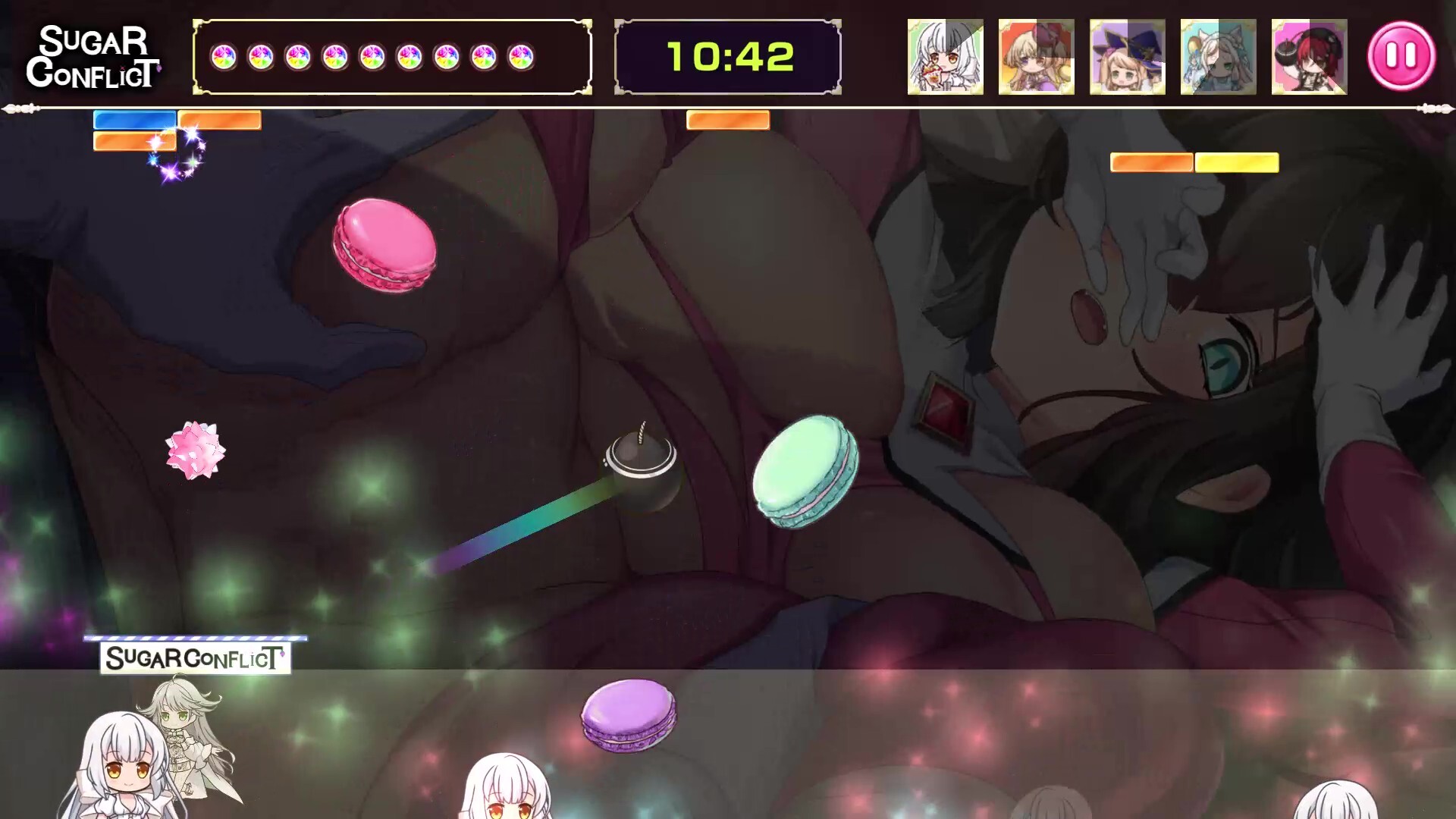
Ultimate Sugar Crush! Brick Breaker Desire – New Feature Released V1.1
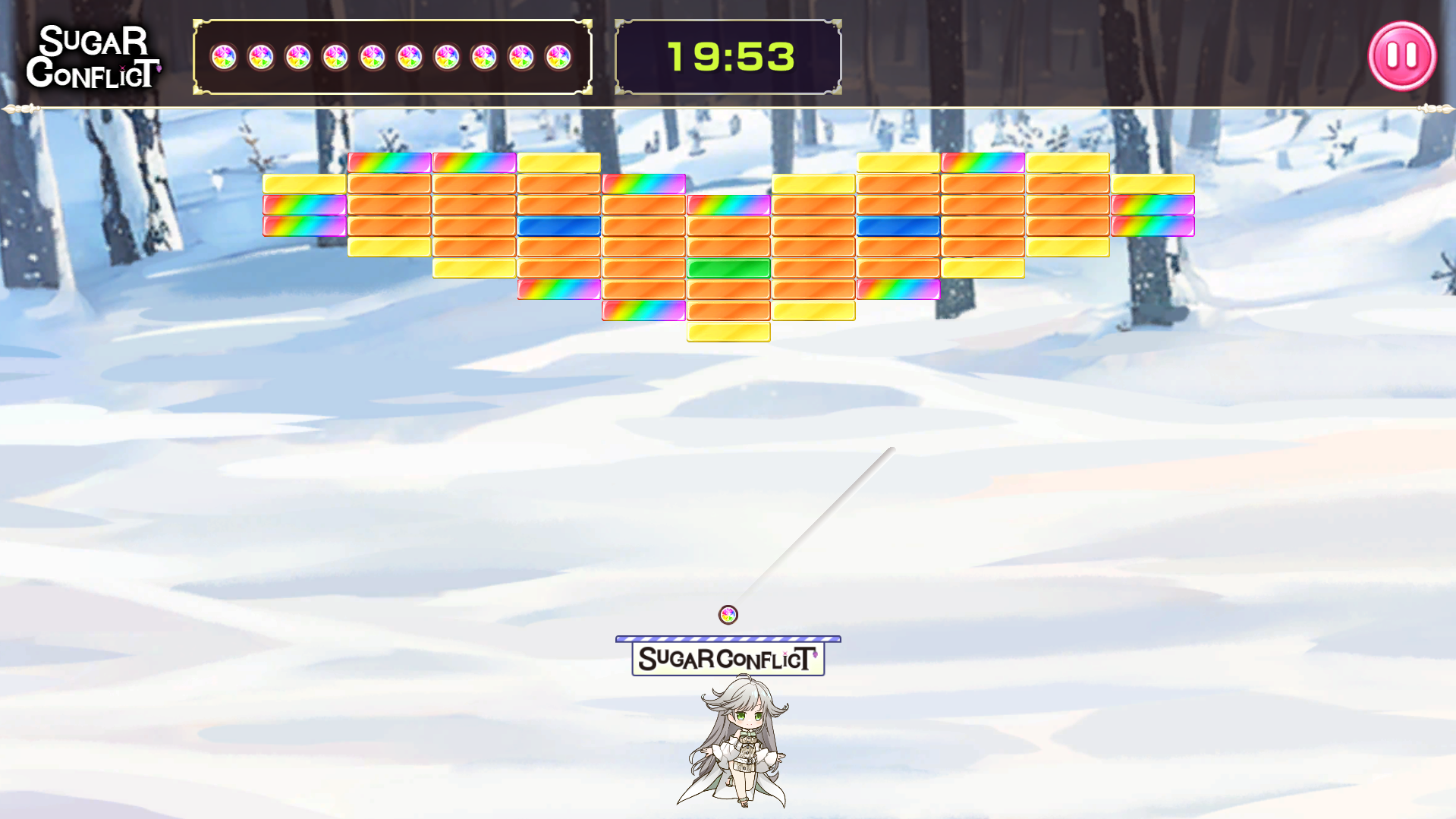
The brand-new stage customization feature is now available!
From now on, you can freely customize stage layouts, create the most fun stages in your own style, and share them with friends and family to challenge together!Important Notice
The official release adds new configuration options for stage time limits and life values.
If you created stages using the Beta version configuration table, please be sure to back up your stage configuration data before updating the game to prevent data loss.
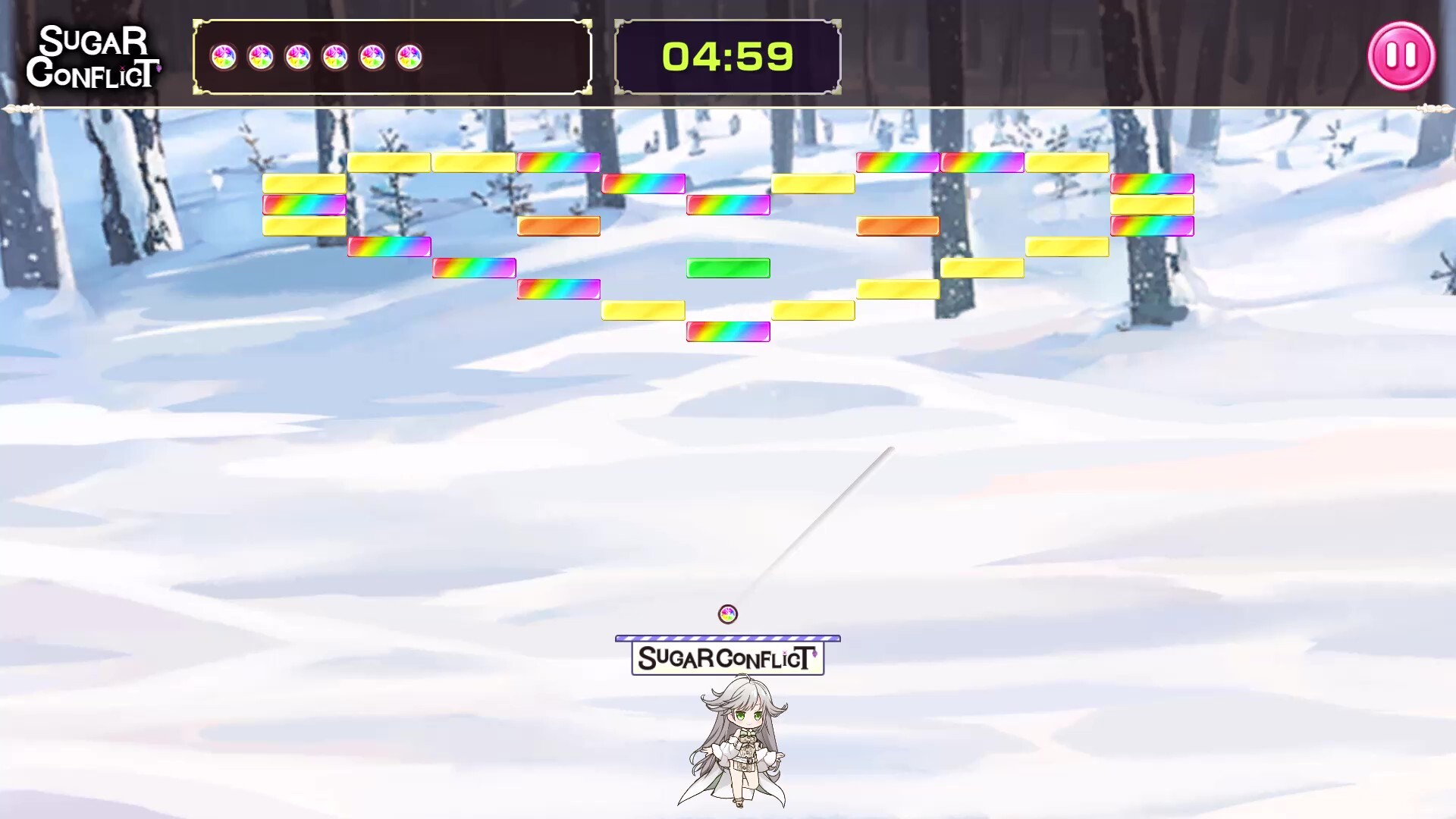
The configuration for Stage 1 has been replaced with the stage shown in the image.
If you do not like the new stage configuration, please delete the following files in the StreamingAssets folder:
-StageContentMaster.csv
-StageItemMaster.csv
How to Customize Stages
1. Go to the game installation directory
Windows:
\\Ultimate Sugar Crush! Brick Breaker Desire\\
Ultimate Sugar Crush! Brick Breaker Desire_Data\\StreamingAssets
Mac:
Locate Ultimate Sugar Crush! Brick Breaker Desire.app
- Right-click and select Show Package Contents
- Navigate to the [c]StreamingAssets[/c] folder
2. Locate the following files
- StageContentMaster.xlsx
- StageItemMaster.xlsx
Please follow the instructions in the documents to edit them and generate:
- StageContentMaster.csv
- StageItemMaster.csv
More from Ultimate Sugar Crush! — Brick Breaker Desire