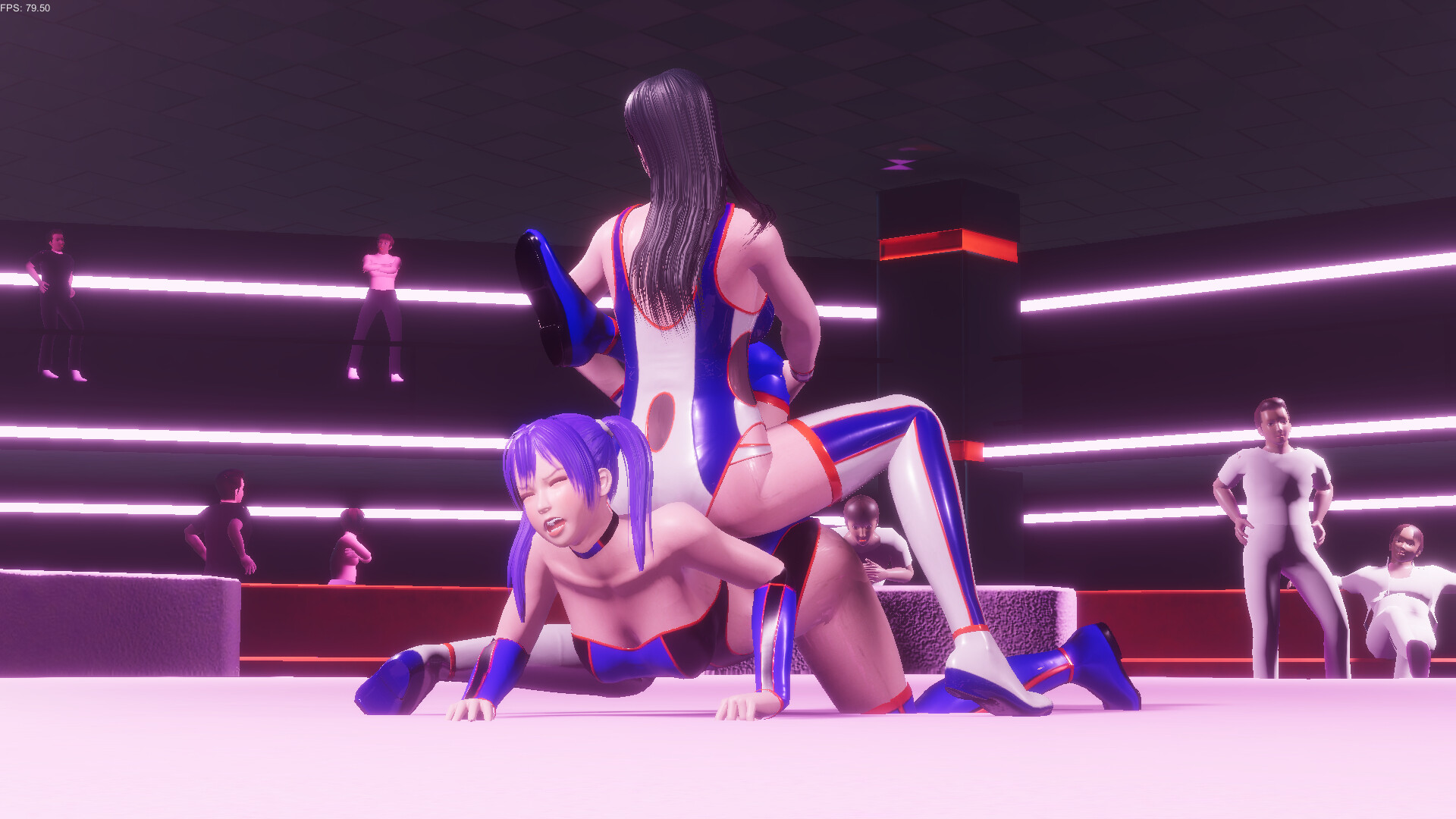
Sometimes things don't go well, but...
Sorry for the delay in posting this update.
I'm feeling much better now, and my work pace is picking up again.
That said, I’m trying not to push myself too hard… though honestly, I’m not sure I can keep that up (lol).
Actually, lately it feels like my PC is the one that’s starting to act up more than I am (lol).
Right now, I’m in the middle of some major internal adjustments, so I’ll keep this report short.
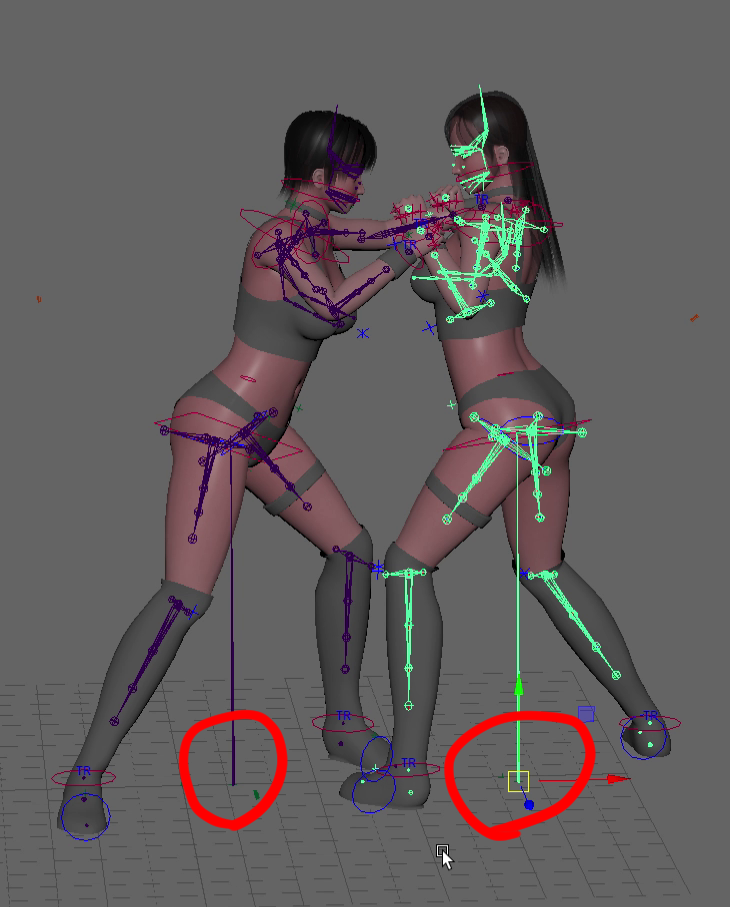
At the moment, I’m working on adjusting the character axes during the transition into and during special moves.
I mentioned a bit about this on Twitter, but currently, each character has their own axis.
When a move starts, the opponent is moved to a set distance from the attacker based on that axis, and then animations are synced accordingly.
This system makes things flow more smoothly—especially for grabbing-type moves—but it does come with a downside: lower work efficiency.
Specifically, when exporting animations for the game, I have to create the motion with both characters actually interacting,
and then align their positions back to zero coordinates before exporting—just to match their axes.
To simplify, here’s the basic flow:
Adjust axes → Bake → Align to origin → Export
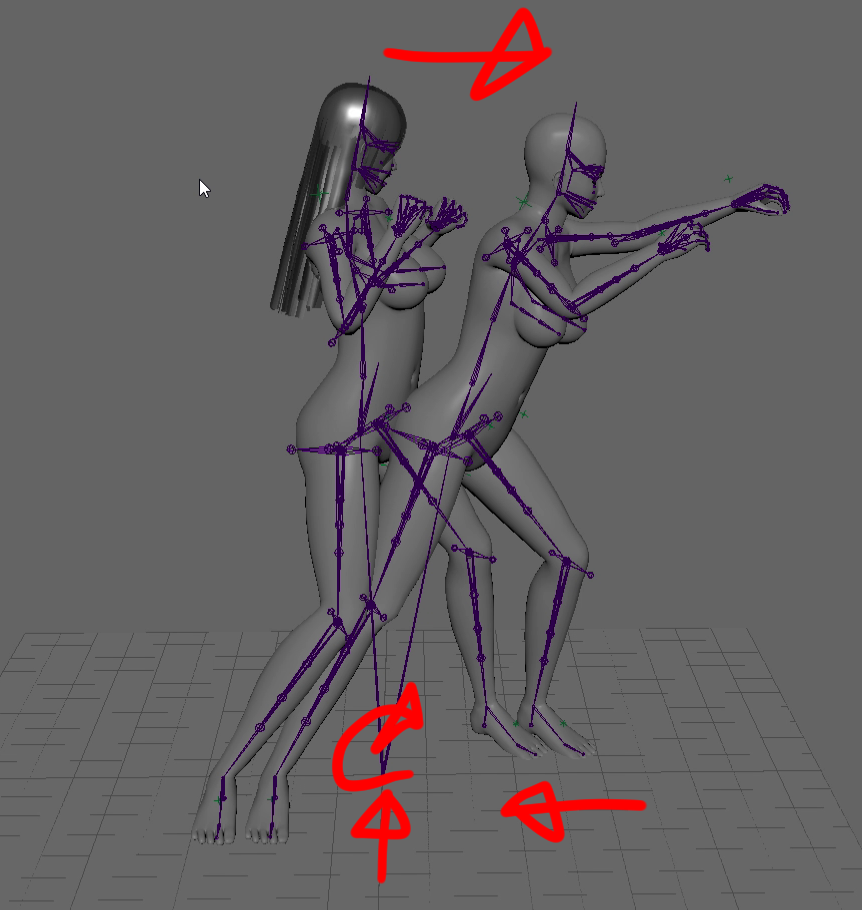
This process is required every time I export a motion for the game.
It usually takes 30 minutes or more each time.
If a motion is perfect on the first try with no revisions, it's not a problem.
But… yeah, that basically never happens. (Honestly, I don’t think it ever has! lol)
Every time I need to make a tweak, all that time gets lost.
There’s another method for handling the axis during grabbing moves: combining the axes of both characters into a single shared axis when the grab happens.
Pros:
This simplifies the export process significantly:
Adjust axes (only once) → Bake → Export
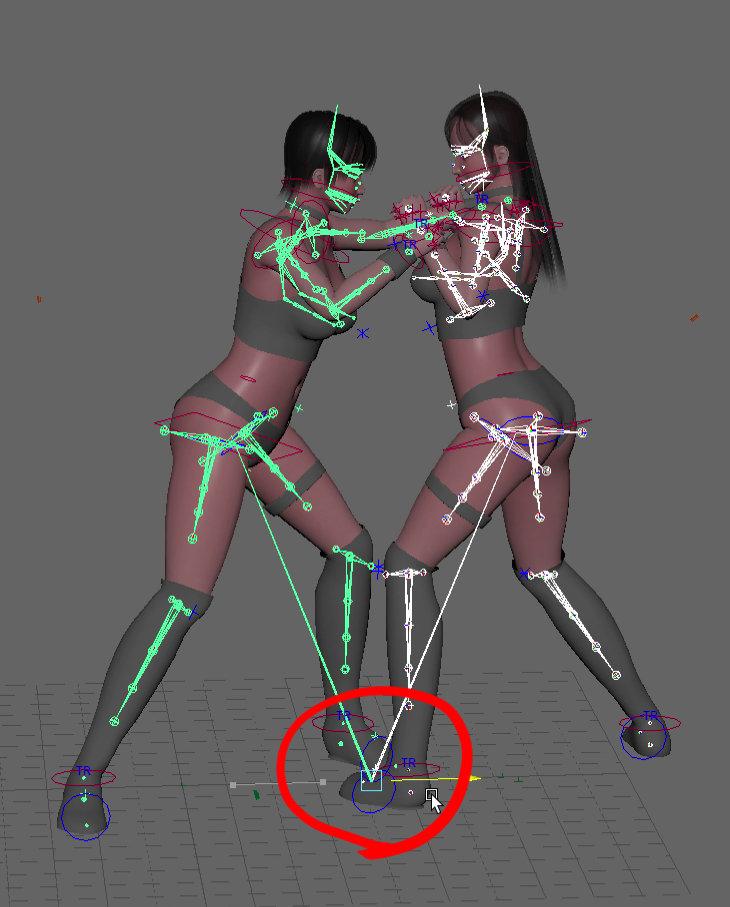
Once the initial axis setup is done during motion creation, you don’t need to adjust axes for each revision—
just bake and export. It saves a ton of time and effort.
Cons:
The downside is that the transition into the move becomes less smooth.
If you’ve ever played a 3D adult game where a character rotates unnaturally or slides into place during an H attack—
that’s usually because the game forcibly aligns character axes during the action.
I’ve avoided that kind of behavior by keeping separate axes and adjusting position based on distance instead,
even though it’s more work.
However, as you can imagine, managing this has become a huge hassle.
So, I’ve been searching for a way to combine axes without sacrificing smooth transitions.
Over the past few months, between working on moves and costumes, I’ve tried different approaches—
but nothing really worked.
Then the other day, I posted about it on Twitter, and someone gave me a helpful tip.
Thanks to that, I’ve finally found a method for aligning axes that I’m satisfied with.
It’ll take some time since I need to adjust all existing moves,
but this will make future updates and additions far more efficient, so I hope you’ll understand.
Another benefit of this new axis setup is for the Studio Mode I’m working on—
which will eventually replace the current Gallery Mode.
In Studio Mode, players can freely move and rotate characters.
If each character has their own axis, then the player has to adjust each character manually to make the scenes work—especially with H moves.
But with a shared axis, placing both characters at the same coordinates is enough for proper alignment. It makes setup much easier.
Right now, I’m working on the gizmo and making sure the character follows it properly.
Eventually, I’ll be adding features like spawning characters, switching costumes, and more.
Here’s a summary of other work I’ve been doing lately.
This time, I posted a video on YouTube:
Added new costumes
Implemented a stocking selection system
Created a new move
More from RUMBLE BLAZING